
Should you test Microsoft Dynamics 365 updates?
Microsoft Dynamics 365 is a cloud-based business application platform that combines components of customer relationship management (CRM) and enterprise resource planning (ERP), along with productivity applications and artificial intelligence tools.

Microsoft Dynamics 365 is a cloud-based business application platform that combines components of customer relationship management (CRM) and enterprise resource planning (ERP), along with productivity applications and artificial intelligence tools. Microsoft Dynamics 365 constantly evolves and improves, with new features and capabilities being released regularly. But how do you keep up with these changes and ensure they don't break your existing processes and customizations? Before applying Microsoft Dynamics 365 updates to your production environment, should you test them?

The answer is yes. You should test Microsoft Dynamics 365 updates before deploying them to your live system. Testing is a crucial step in ensuring the quality, performance, and compatibility of your Dynamics 365 solution.
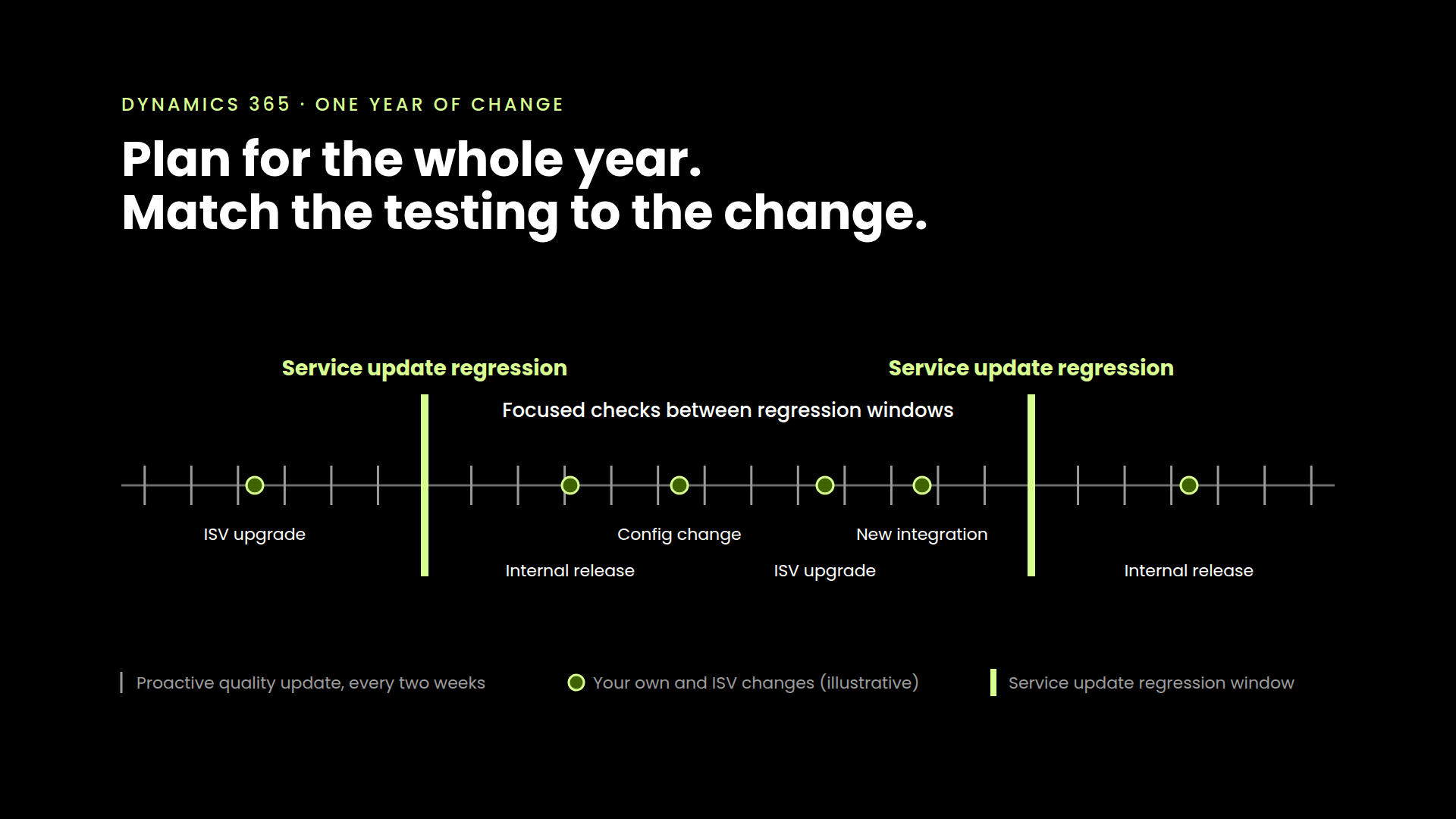
There are two types of updates for Microsoft Dynamics 365: major and minor. Major updates are also known as release waves, which Microsoft plans and announces in advance. They typically occur twice a year, in April and October, introducing significant changes and new functionalities to the platform. Minor updates are also known as service updates, which are applied automatically by Microsoft on a monthly or weekly basis. They usually contain bug fixes, security patches, and performance improvements.
Both types of updates can affect your Dynamics 365 solution differently, depending on your system's complexity and customization level. Therefore, it is recommended that you test both types of updates before applying them to your production environment.
For major updates, Microsoft provides an early access program that allows you to preview and test the new features and capabilities before they are generally available. You can opt-in to this program by enabling the update in your sandbox environment. The early access program usually starts two months before the general availability date of the major update.
Microsoft does not provide an early access program for minor updates, but you can still test them by creating another sandbox environment aligned with the latest version of Dynamics 365. This way, you can compare the behavior and performance of your system before and after the minor update.
Testing Microsoft Dynamics 365 updates is a best practice that can help you ensure the smooth operation and continuous improvement of your solution. By testing in a sandbox environment, you can avoid any unwanted surprises or disruptions affecting your production environment and end-users.
If you need any help or guidance on how to test Microsoft Dynamics 365 updates, please don't hesitate to contact us. We would love to hear from you!


See it in your environment, today.
Real test scenarios. Real results. No sandbox demo.